Distinguish a real bargain from a false positive: how an Amazon price alert is born, how we verify it with 90-day history, and why Trust Score makes the difference.
Ever got a notification of a price crash, clicked, and… nothing—it was already gone or the discount was fake? It happens, a lot. That's why on Glitchoo we explain every Amazon price alert how it works without mystery: we don't just send you an alert, but the result of a real check between price history, Trust Score and anti-false-positive verification. In this guide, we'll take you behind the scenes of our monitoring system, so you understand how to turn an alert into a smart, informed purchase.
How a Price Alert is Born: The Detection Chain
Every alert you receive starts long before the notification. Our system continuously monitors thousands of products across 6 marketplaces (USA, UK, Germany, Spain, France, Italy) and records every price change. When it detects a significant drop—not a mere cent—a first signal is triggered. But it's not an alert for you yet: it's just a candidate.
The real work begins here:
- Data collection: current price, Amazon list price, 90-day history.
- Comparison: the discount is calculated against the 90-day average price, not the strikethrough (which is often inflated).
- Preliminary filtering: we discard drops below 20% or lasting less than one refresh cycle (to avoid false positives from listing errors).
- Trust Score: the product gets a score based on volatility, price change frequency, and seller reliability.
Only if it passes all these steps does the alert reach you. That's why when you see a notification from Glitchoo, you know there's already verification work behind it.
Price Drop Alert vs Price Error: Two Different Worlds
Not all alerts are the same. In fact, the difference between a price drop and a price error is crucial to avoid false hopes. Here's a table comparing the two:
| Feature | Price Drop | Price Error (glitch) | | ------- | ---------- | -------------------- | | Cause | Planned sale, excess stock, promotion | Input error (human or system) | | Typical duration | Hours or days | Minutes or few hours | | Reliability | High – Amazon almost always honors it | Low – Amazon may cancel the order | | Average discount | 20-50% | 70-100% | | History check | Needed to see if it's a real discount | Essential to see if it's an anomalous price |
When you see an alert labeled 'price error' on Glitchoo, it means the system detected a price so low it's off-market compared to the 90-day history. In that case, we recommend acting fast, but remember that Amazon can cancel the order per its terms of service. Never force the purchase—if it ships, great; if not, move on.
The Role of Price History: Why We Don't Trust the Strikethrough
Imagine a product with a list price of $599 and a current price of $399. Looks like a 33% discount, right? But the 90-day history shows the real average price is $419. Then the real discount is only about 5%. The strikethrough was inflated. Without history, you'd have fallen for a fake discount.
Here's how we integrate history into our system:
- 90-day average price: used as the base to calculate the real discount.
- Minimum and maximum price: to know if the product has been at that price before or if it's an anomaly.
- Badge -X%: we show it only when the discount relative to history is significant (never aggregating coupons, which are temporary and separate).
In practice, if a product has seen similar drops before, the alert will be less urgent; if it's a price never seen, it's a potential price error and the alert comes with high priority.
How to Set Up a Useful Alert without Being Overwhelmed
Anyone who has tried tracking prices manually knows the risk: a thousand notifications a day, most of them useless. The secret is to set smart thresholds. Here's a list of practical tips:
- Choose the right category: don't monitor the entire catalog, only products you really care about (electronics, home, fashion, etc.).
- Set a minimum discount threshold: for example, only drops over 30% or relative to history. On Glitchoo you can do this directly in your watchlist.
- Enable only price error notifications: if you only want the biggest opportunities, filter by glitches.
- Use push alerts on apps: emails always arrive late. Real-time alerts make the difference.
- Turn off notifications for out-of-stock products: nothing more frustrating than an alert for something you can't buy.
Our system lets you customize all of this, so you only receive the signals that truly matter.
Concrete Examples: An Alert in the Field Today
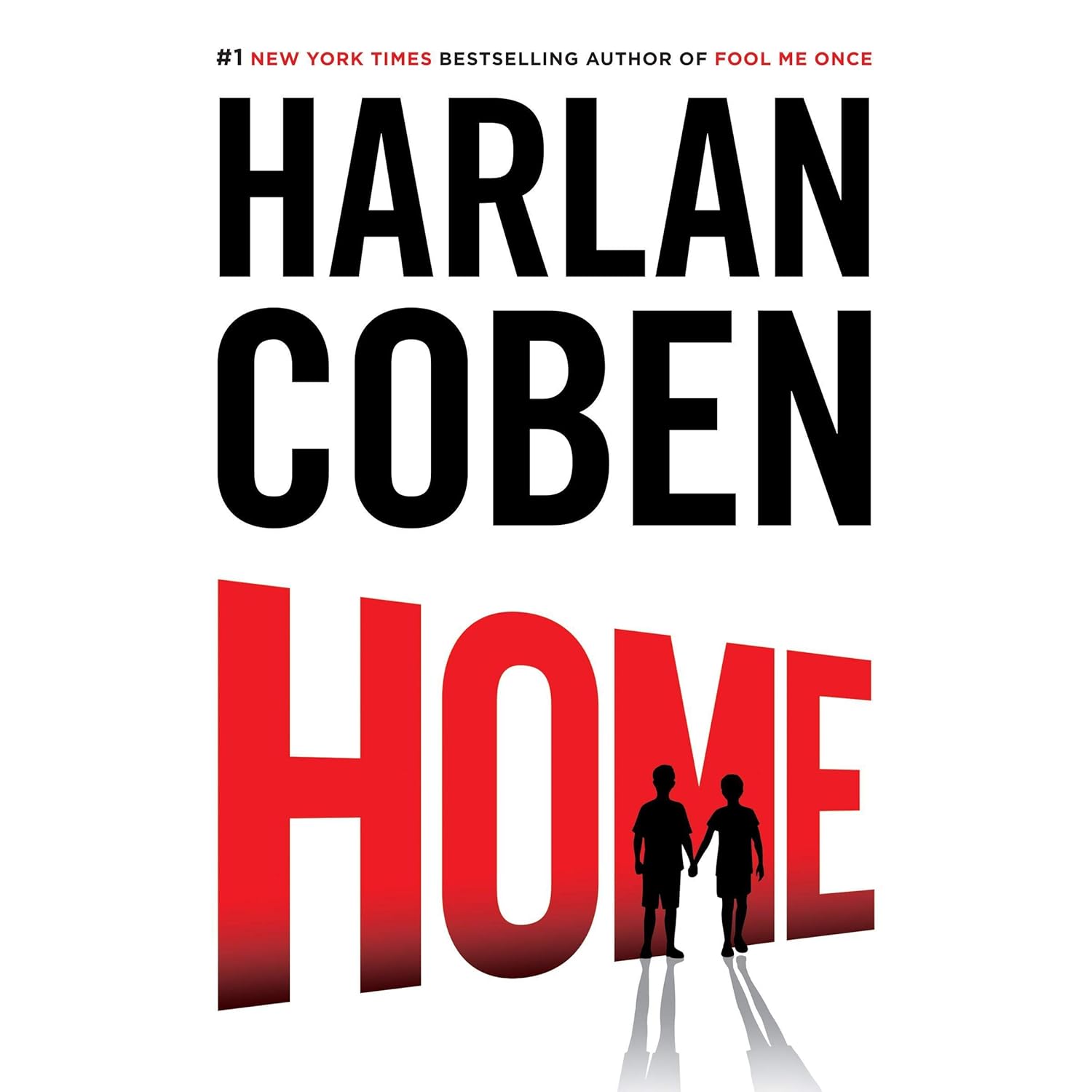
To make it practical, let's look at what's happening today on the US marketplace: a Houseables Bungee Chair Cover with a 73% discount. A classic price error? The history shows the product was stable around $40, now it's at $10. The Trust Score is medium (high volatility), so the alert was sent with maximum priority. Or, on the UK marketplace, the Myron Bolitar Series, Book 11 at -100%: a pure glitch, lasting a few minutes, and our system caught and verified it before sending the notification.
These are examples of how a well-built alert allows you to catch opportunities that would otherwise go unnoticed. And if you want to see all verified deals of the day, check out the featured deals below—you'll find cards with details and direct links to Amazon.
Domande frequenti / Frequently Asked Questions
How do I know if an alert is reliable?
Every alert on Glitchoo includes the Trust Score, a rating from 1 to 10 that indicates the offer's reliability based on volatility, history, and seller history. The higher the score, the more likely Amazon will honor the order.
Why do I receive alerts for products I don't care about?
You probably have notifications enabled for too many categories or without thresholds. Customize your watchlist: select only the categories you follow and set a minimum discount (e.g., 30%). This filters out noise.
Is a price error always honored by Amazon?
No. Amazon reserves the right to cancel orders with clearly incorrect prices. That's why we never encourage forcing a purchase. If it ships, great; if not, no big deal. The important thing is not to waste time on fake deals.
Can I set alerts for multiple marketplaces?
Yes, on Glitchoo you can monitor the USA, UK, Germany, Spain, France, and Italy simultaneously. Just select the marketplace in your watchlist and you'll receive notifications for each.
What does the -X% badge on a product mean?
The -X% badge shows the real discount relative to the 90-day average price, not the inflated list price. It's our way of telling you: 'the discount is real, not a trick'.
Conclusion: Don't Miss a Real Bargain
Setting up an Amazon price alert isn't just about receiving notifications: it's about having an ally that filters, verifies, and alerts you only when it's truly worth it. With 90-day history and Trust Score, you always know if a price is real or a false positive. And if you want to start right away, discover how our system works and create your personalized watchlist. Prices change constantly: always check the product page before buying, but with a good alert you won't miss an opportunity again. The best deals last hours, not days. Don't wait.
Featured offers
Deals featured in this article


Glitchoo is an Amazon affiliate: if you buy through our links we earn a small commission at no extra cost to you.